Dovydas Bykovas3 min read
Oxynote v0.11: Roles, Single Sign-On, and Taller Grid Blocks
Workspace members get admin, editor, and viewer roles, any OpenID Connect provider can sign them in, and grid blocks can now be twice as tall.
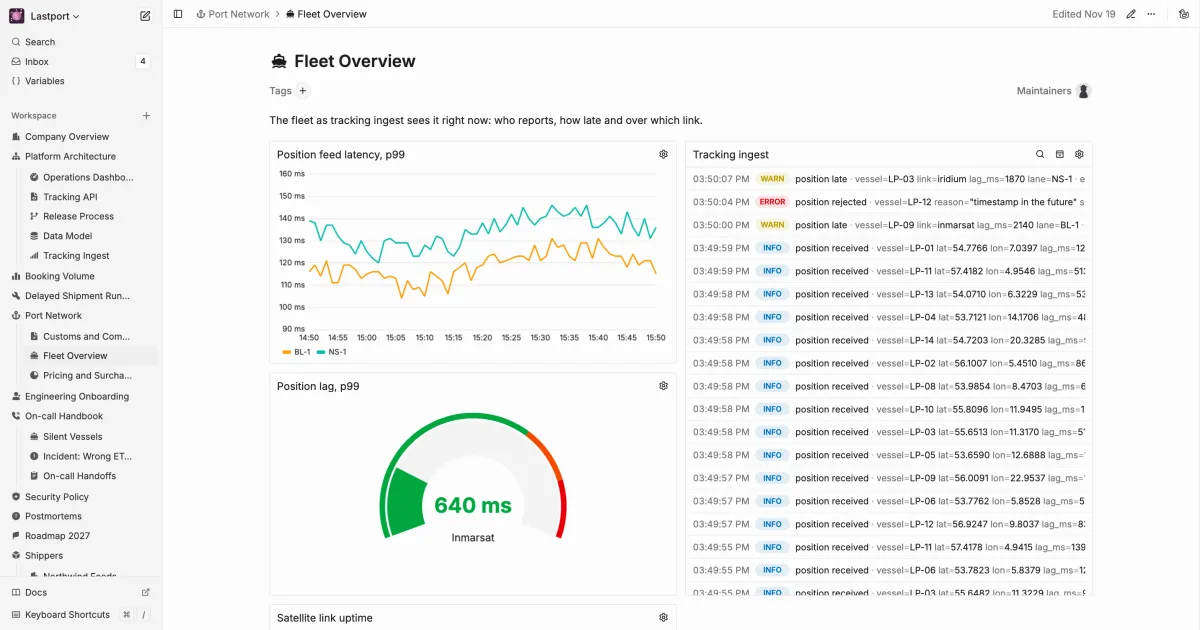
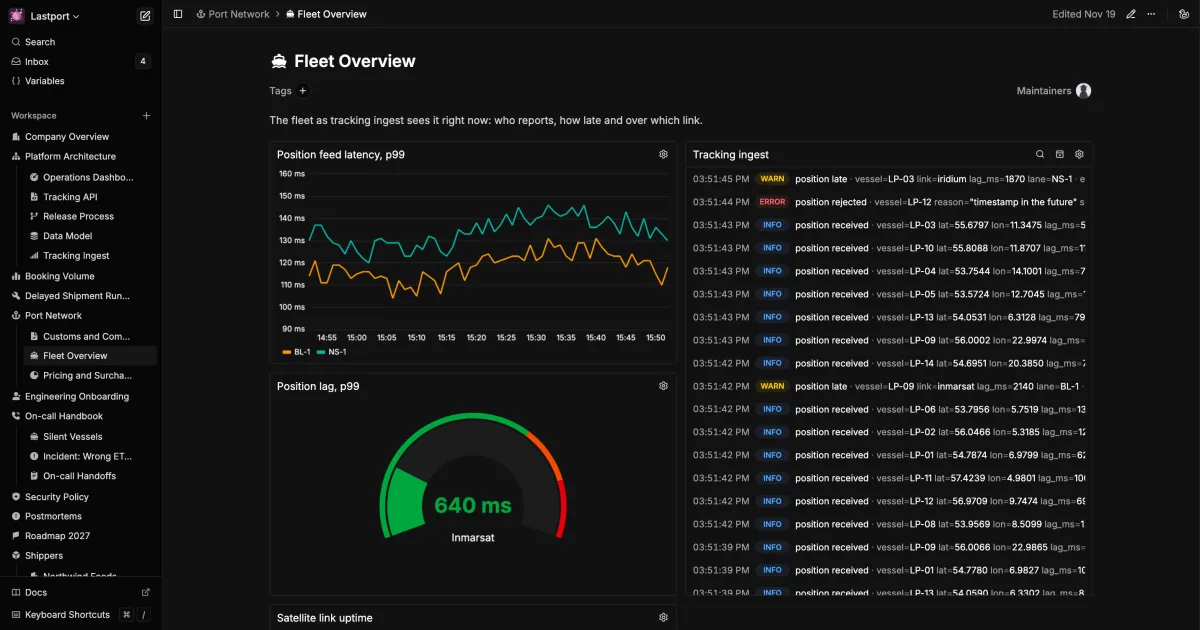
Oxynote v0.11 is out, and most of it is about who can do what in a workspace. Members now have roles, so you decide who edits pages and who only reads them. Sign-in can go through your own identity provider, over OpenID Connect. And grids have a new layout, with blocks that can take twice the vertical space.
Since v0.10, Oxynote has passed 650 stars on GitHub, and 12 people outside the team sent pull requests. We'd love to see more of you join in, whether that's a pull request or an idea. Come say hi on our Discord server, where we talk through how features get built, discuss suggestions, and chat about tech in general.
Roles for Workspace Members
Until now, everyone in a workspace could do everything: change its settings, add and remove data sources, and edit or delete any page. That works while everyone edits. Once you invite people who only need to read, it gives them more access than they need.
So each member now has one of three roles:
- Admin: manages the workspace, its members, its GitHub and Slack connections, and its data sources. Admins edit everything else too.
- Editor: edits pages, branches, variables, tags, and freshness hooks. It's the default for a new invitation.
- Viewer: reads pages and runs the queries behind them, and changes nothing outside their own settings.
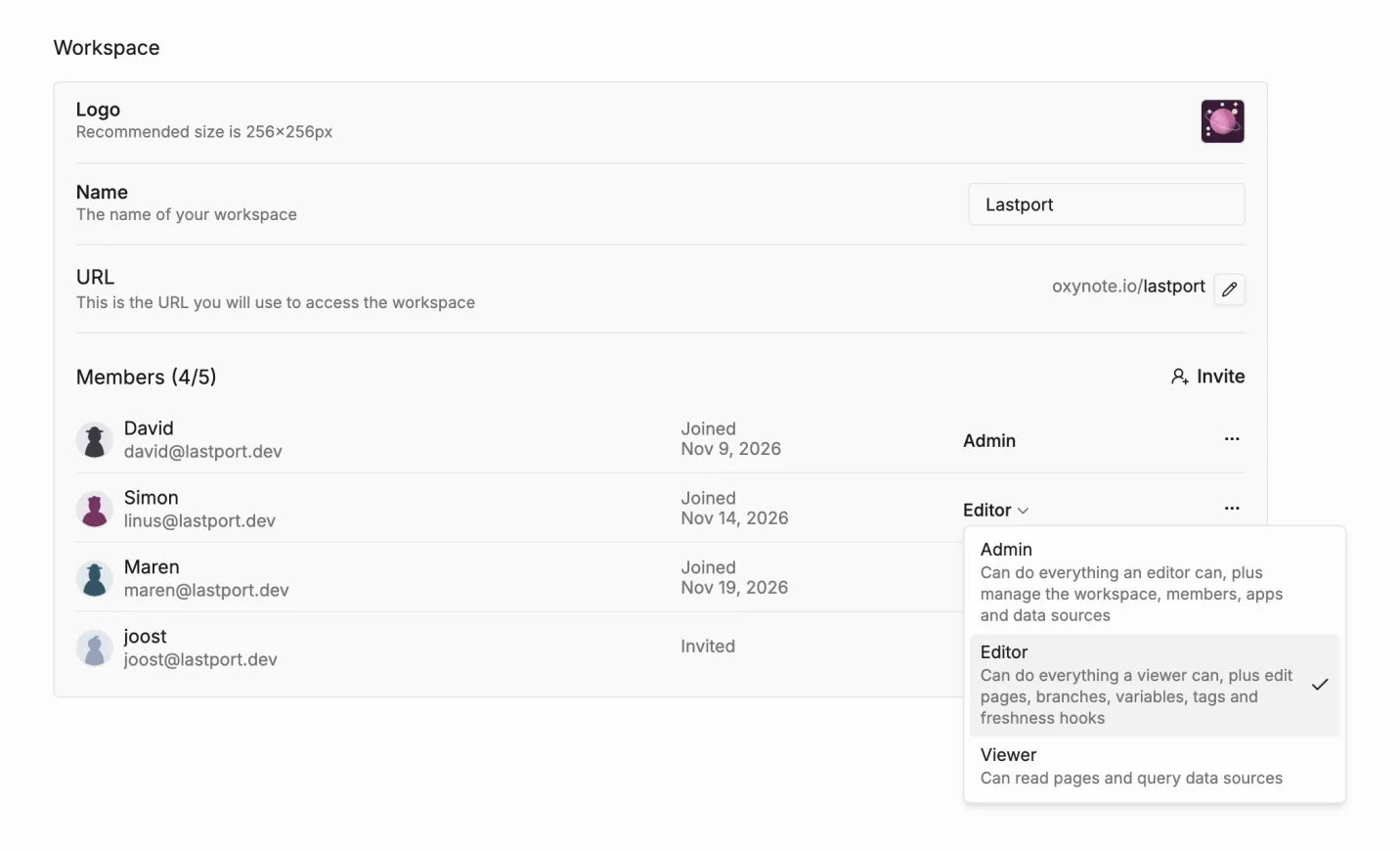
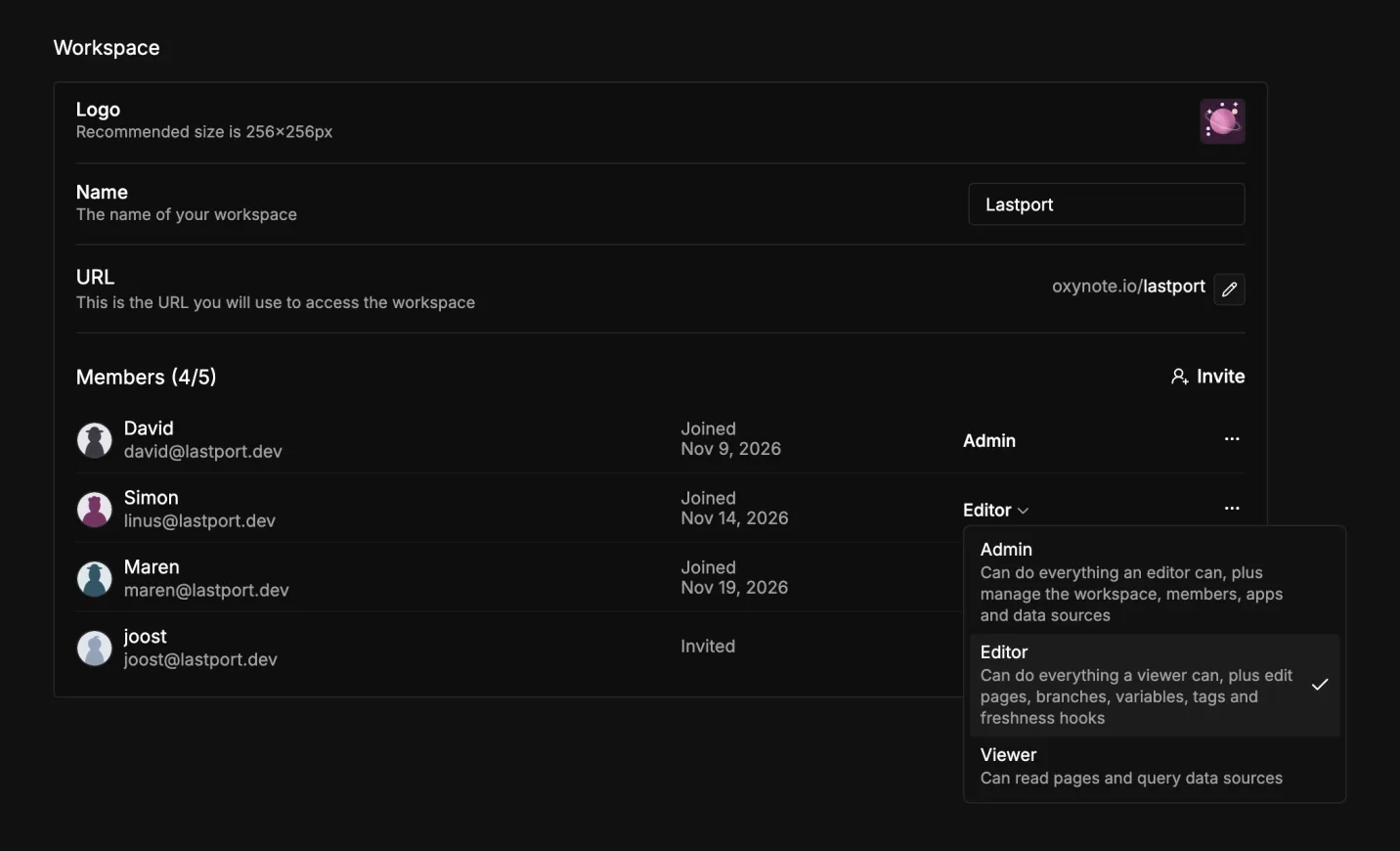 Changing a member's role
A viewer can still approve changes to a page when an editor asks them to review it, and read pages through the assistant or AI agents connected over the Model Context Protocol (MCP).
Upgrading changes nothing for existing members. Before roles, everyone was an owner, so every owner becomes an admin. To set roles, open Settings, go to Workspace, and pick one from each member's menu in the members list.
Single Sign-On
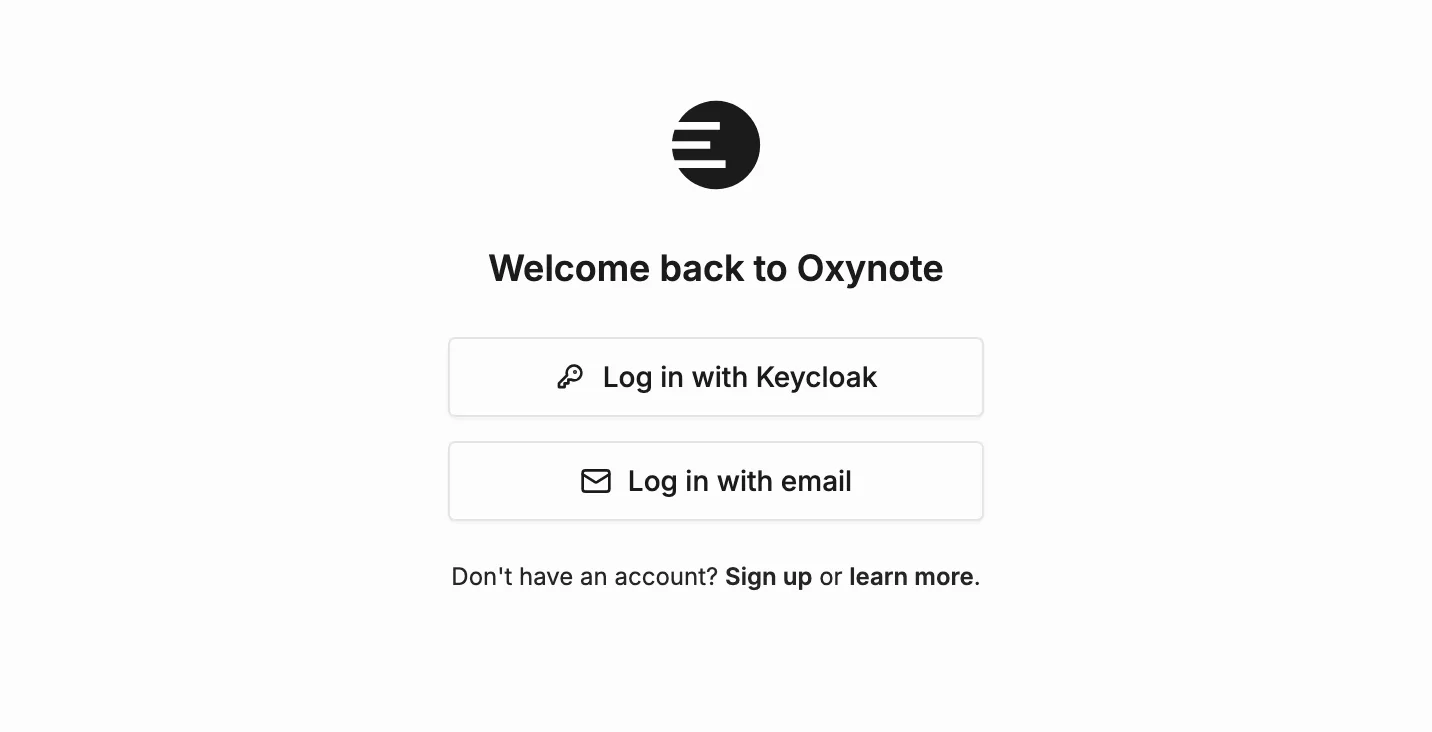
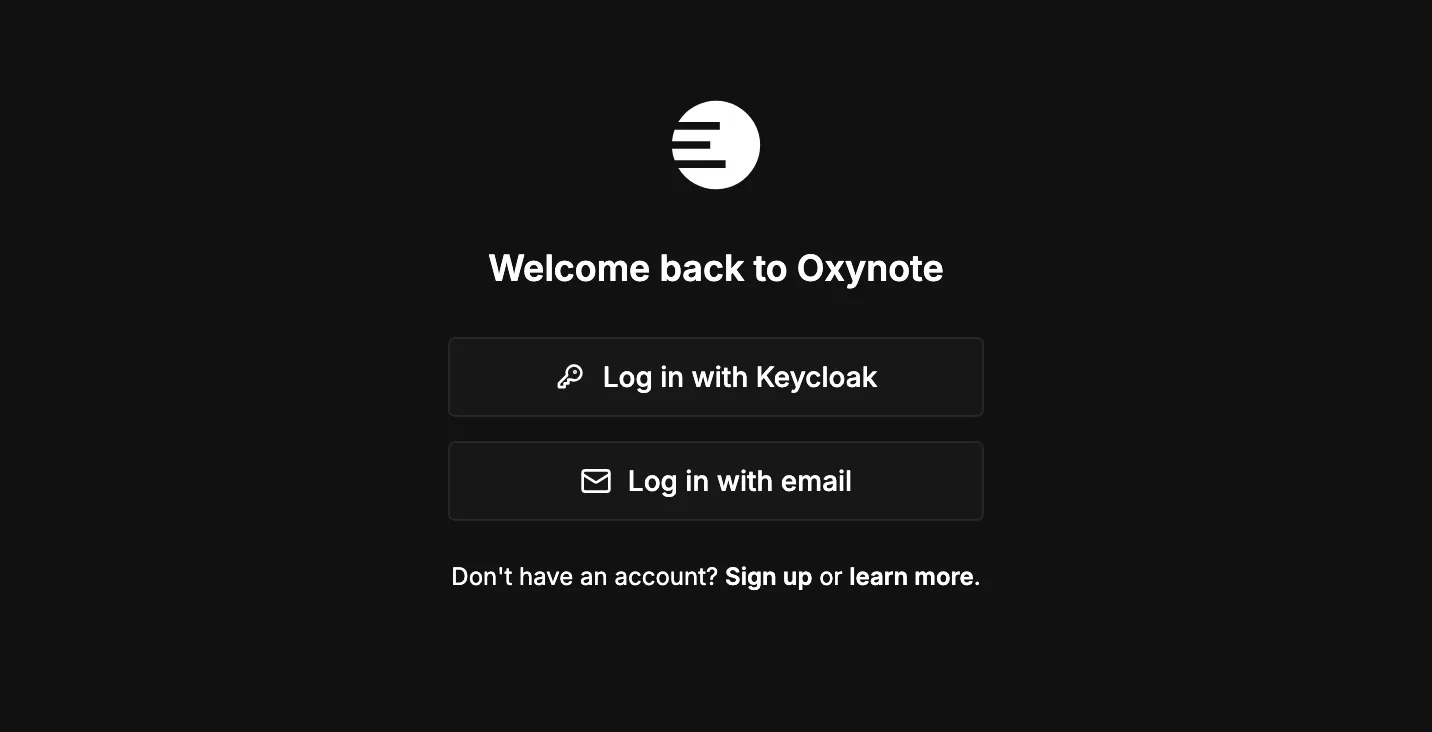
Before v0.11, people signed in to Oxynote with an Oxynote password, or with Google, GitHub, or Slack. If your company keeps its accounts in an identity provider such as Keycloak, someone joining or leaving had to be added or removed in Oxynote separately.
Oxynote can now sign people in through Keycloak, Authentik, Authelia, Zitadel, Okta, Entra ID, or any other provider that supports OpenID Connect (OIDC). To connect one, register Oxynote as a client at your provider and set a few environment variables. If everyone should sign in through the provider, you can turn password login off altogether. Check out the deployment guide for further details.
 Signing in through Keycloak
Taller Blocks in Grids
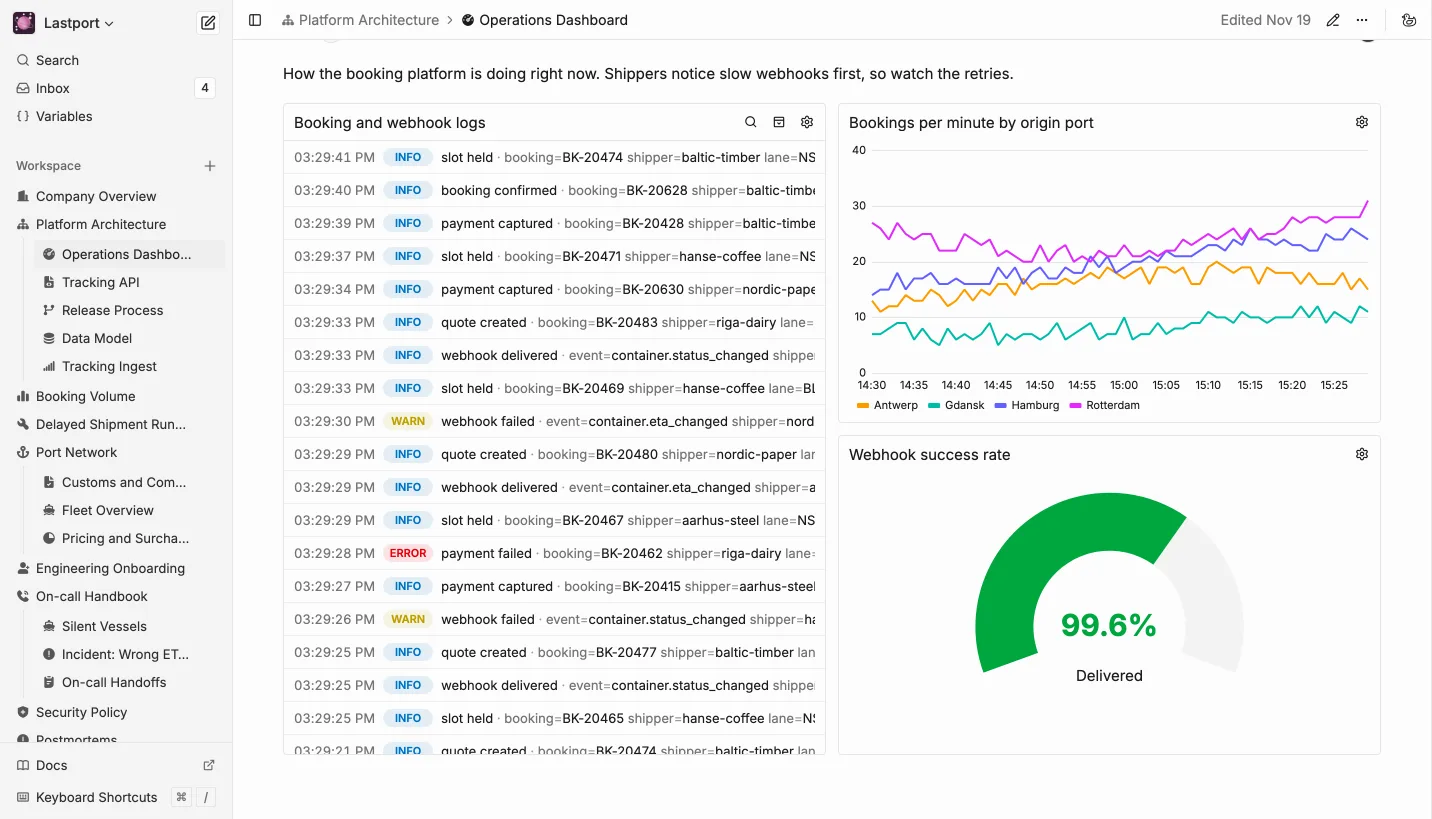
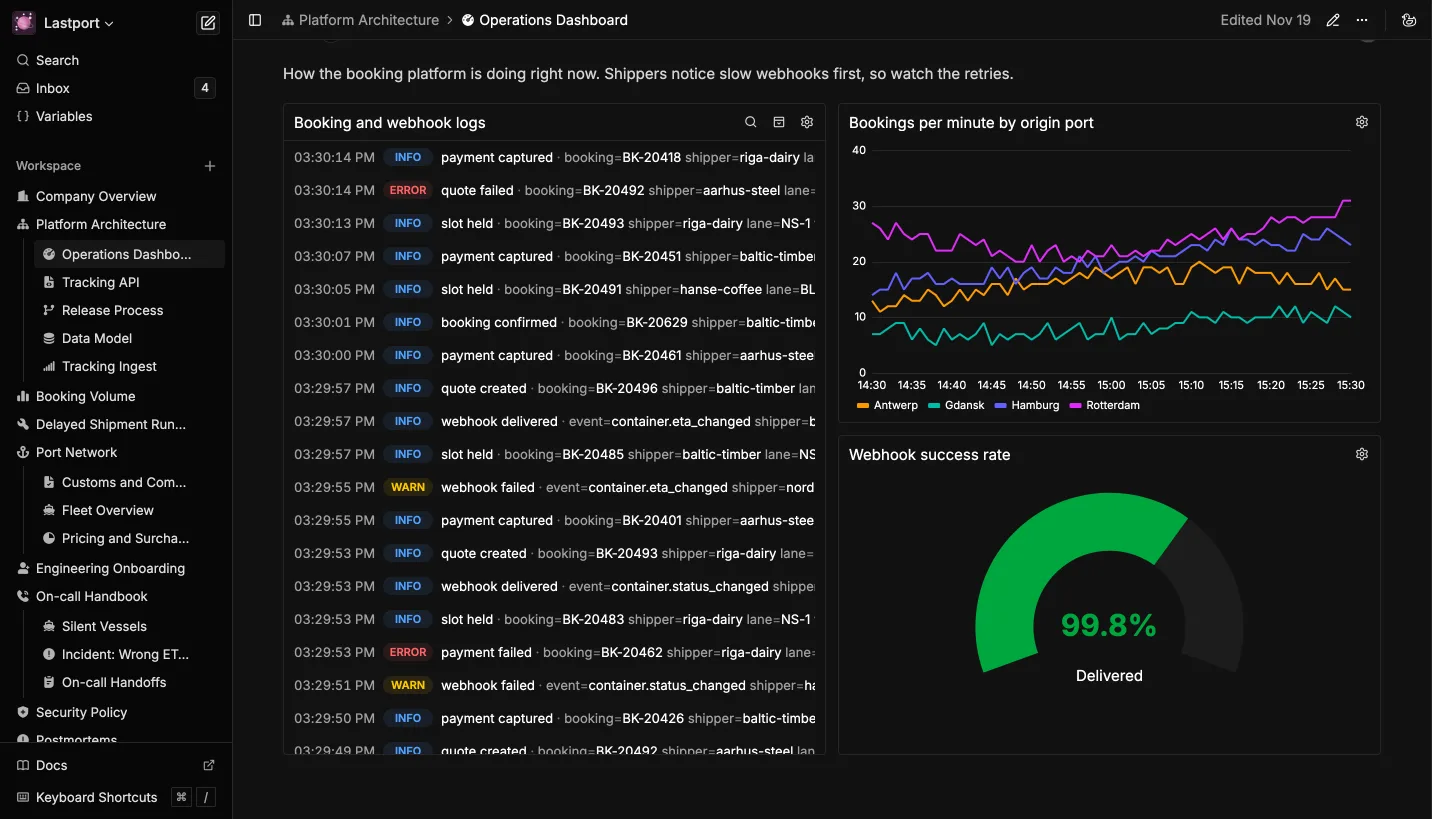
Every block in a grid used to be the same height. That suits a chart, but it fits only a few lines of a Live Logs block. Now any block can be made twice as tall from its drag menu, so a logs block can sit beside two charts stacked on top of each other.
 A tall logs block next to two charts
To fit tall blocks, we rebuilt how the grid places blocks. They used to flow one after another, like words in a paragraph, so resizing one shifted every block after it. Now each block keeps its place in the grid. To move one, drag it: a line shows where it will land, and only the blocks in its way move aside. Blocks then shift up and to the left to close any gaps.
Small screens, such as phones, get a layout of their own. There the blocks stack one per row, and you can reorder them without changing the layout on larger screens.
Smaller Changes
- Prometheus and Loki data sources can connect with a token instead of a username and password.
- Data source connections show more informative errors.
- Performance improvements for charts.
The release notes list every change and everyone who contributed.
Wrapping Up
Roles let you invite people who only need to read, and single sign-on lets them log in with their company account instead of a new password. To upgrade, pull the latest image and start a new container on the volume you used before, as the install guide shows.
Oxynote is open source and runs as one Docker container: github.com/oxynote/oxynote. If something in v0.11 doesn't work the way you expected, ask on Discord or open an issue.